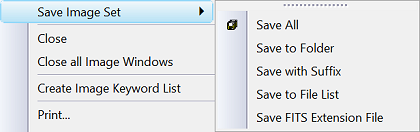
The Save with Suffix command saves the
members of an
Image Set with a suffix appended to the file names.
For saving a single file or the top-most image of an
Image Set, use the standard
Save As dialog and specify the suffix.
Click this command in the
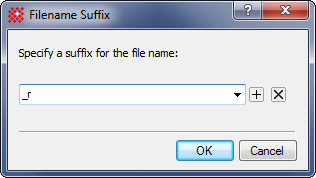
File menu. This opens the Filename Suffix
dialog shown above.
Select an existing suffix from the Profile list
box or create a new suffix.
Click [OK] to
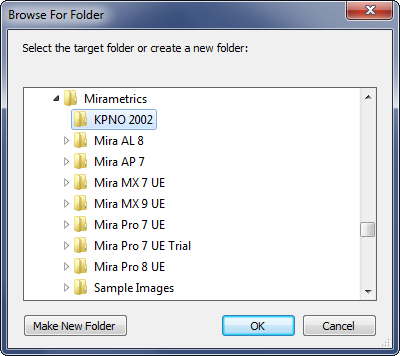
accept the suffix and continue. This opens the Save to
Folder dialog shown below. Save to Folder is another command
that is accessible independently.
Click[OK] on the Save to
Folder dialog to save all Image Set members to files. The
Suffix is appended to each file name.