|


|


|
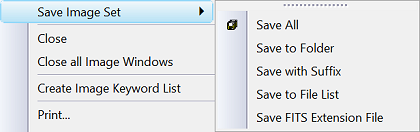
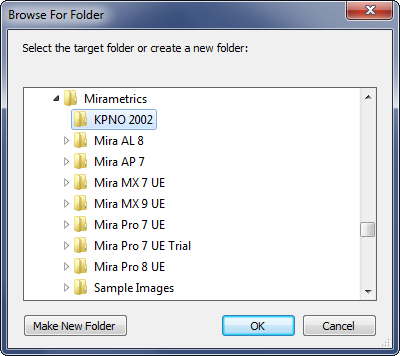
Save to Folder The Save to Folder command saves the members of an Image Set to a folder different from where they were opened. This command opens a folder browser dialog from which you choose the destination.
This command opens the following dialog:
Related Topics
Mira Pro x64 8.83 User's Guide, Copyright Ⓒ 2026 Mirametrics, Inc.
All Rights Reserved. |